The mssgs feed
What’s happening, live.
Photos, videos and short posts from people, communities and local institutions, as they come in. Nobody follows anybody: the feed learns what you care about from what you like, reply to and open.
- No follows
- No ads
- Free public API



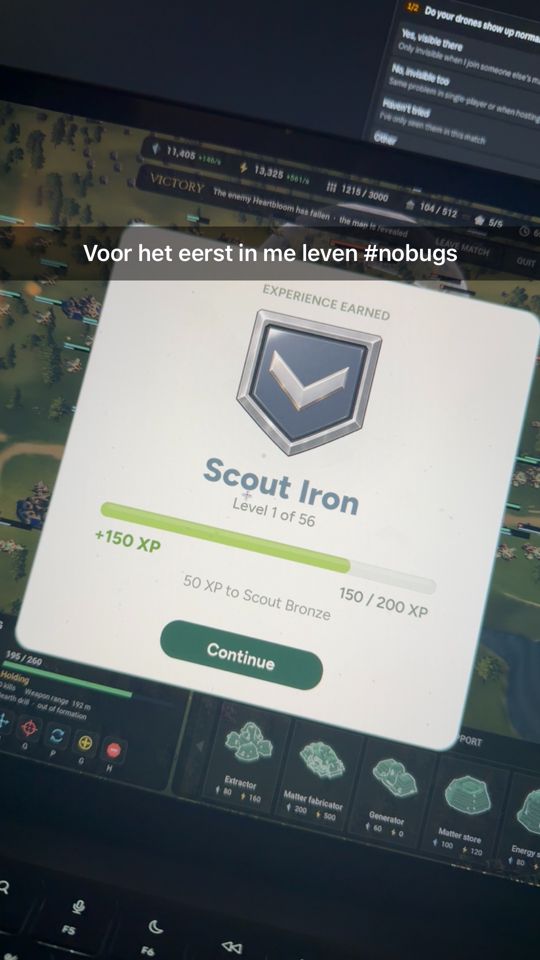


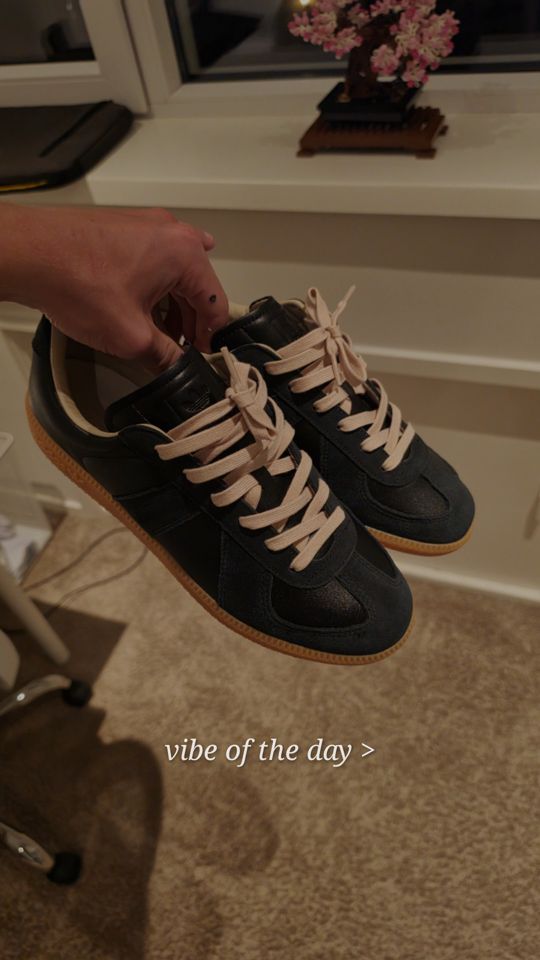
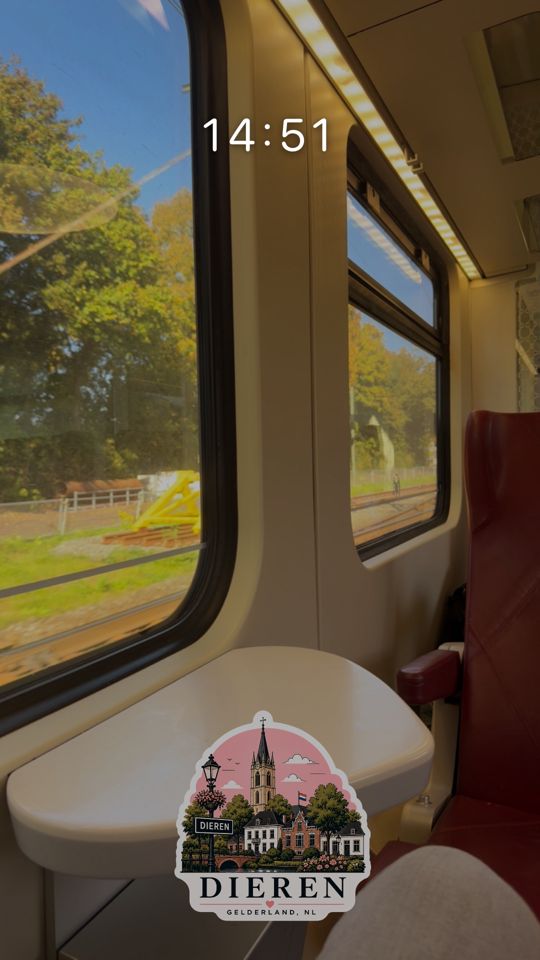
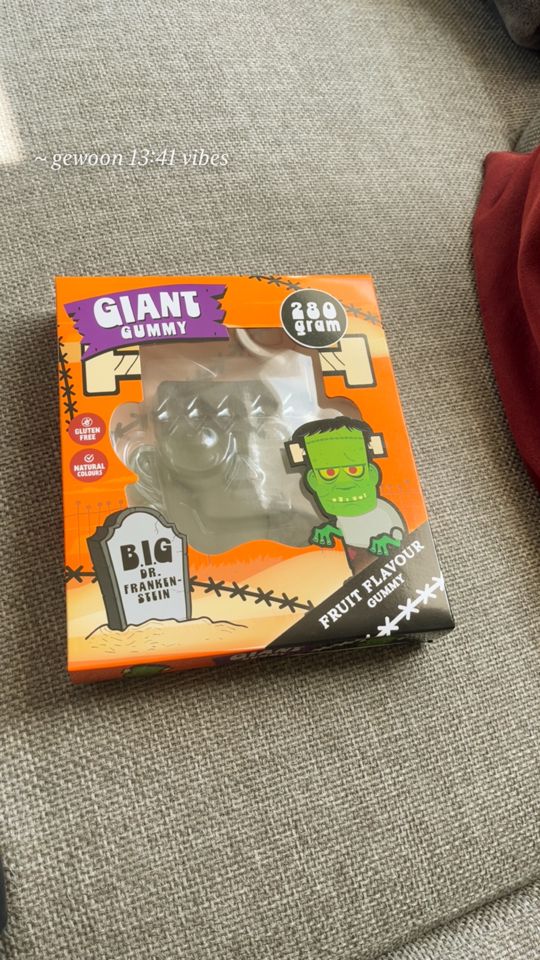

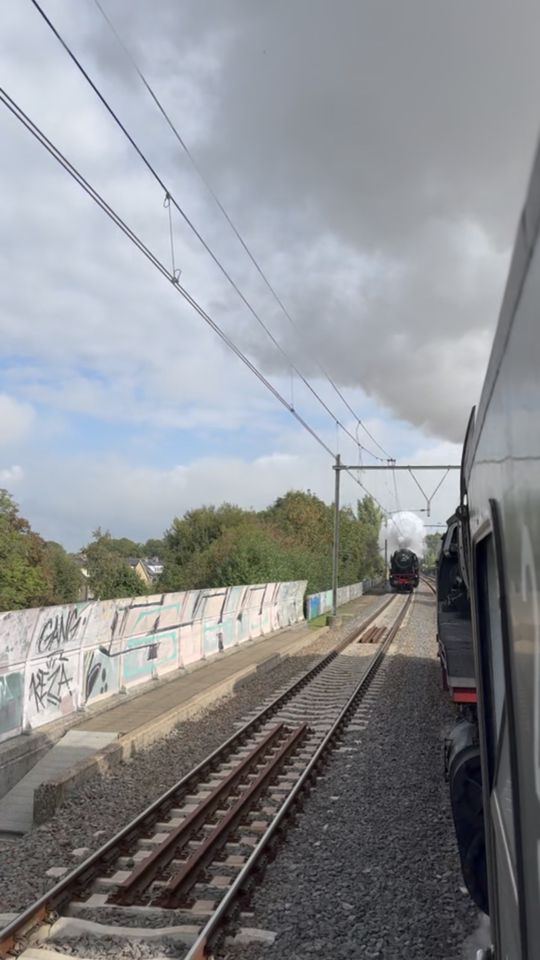
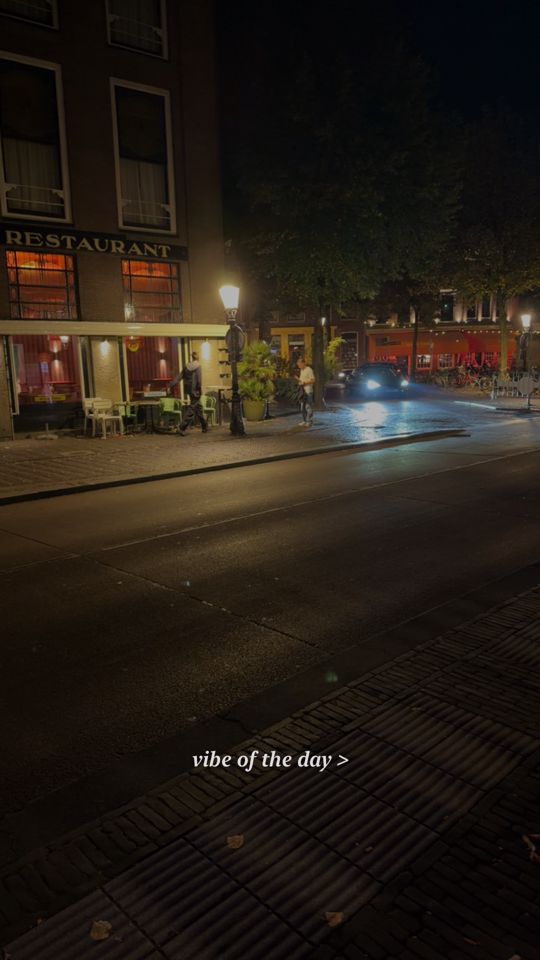
The feed right now. Every post has a page of its own on feed.mss.gs. Open the feed
How it works
A timeline without followers
You never have to build an audience first. A post goes to everyone, and every reader gets a feed that fits them.
No follows
You don’t follow anyone and nobody follows you. What you like, reply to and open (people, hashtags, what is in a photo) teaches the feed what you care about.
Photos are posts
A photo, a slideshow or a video you share with everyone is a post in the feed, with its caption, replies, reposts, likes and views.
Double-tap + to write
In the mssgs app on your phone, tap + once to post a photo, or double-tap it to write a text post of up to 500 characters, with #hashtags and, if you like, your city.
Checked before it’s live
A post appears once moderation has checked it. Posts you share with a private group never show up here: the public feed only has posts shared with everyone.
For municipalities, police, schools and neighbourhoods
Tell your neighbourhood what’s going on
A post in the mssgs feed reaches everyone, not only people who follow you, and it can carry your city. Residents, local news sites and the screen in the town hall can pick out what happens near them, by place and by hashtag.
Municipality
Road works, waste collection, a street that is closed tonight, the opening hours of the recycling centre.
#roadworks Zutphensestraat closed 14 to 18 October, diversion via Arnhemsestraat.
Police
A warning for the neighbourhood, a found bike, a heads-up about scam calls. Short, fast and public.
#safety Bike lights check around the station tonight.
School
A study day, a closed school, the first day after the holidays. Parents see it without joining another group chat.
#schoolnews Tomorrow is a study day: the school is closed.
Neighbourhood
A street party, a lost cat, a call for help in the community garden.
#streetparty Saturday from 3 pm, bring a chair!
How it works
- Write the post in the mssgs app and attach your city.
- Use the same hashtag every time, so people can follow just that (#roadworks, #schoolnews).
- Residents read it in the feed, in their RSS reader, or on your own site through the API:
near=your town,hashtag=your tag.
A post carries its city, never the exact spot it was written.
https://feed.mss.gs/rss.xml?near=52.09,6.15&radius_km=10&hashtag=roadworkshttps://feed.mss.gs/v1/posts?near=52.09,6.15&radius_km=10&hashtag=roadworksEmbeds
Put a post on your site
Every post has an address of its own: feed.mss.gs followed by its id. The snippet shows the post as a card, sized to fit, with its picture and its replies, reposts, likes and views. Readers without JavaScript still see the quote.
- Copy the post’s link on feed.mss.gs.
- Paste the blockquote where the post should go, with the post’s id in
data-guid. Adddata-lang="en"to choose the card’s language. - Add the script once per page, anywhere.
oEmbed
Tools that speak oEmbed can ask for the embed code themselves: it answers with an iframe of the card.
<blockquote class="mssgs-post" data-guid="4cf6070aff4c39d671be1898ea5f1a325ff5cc7fd3d9456447069d9987379033j02">
  <p>Rain again in #amsterdam</p>
  — @sofie <a href="https://feed.mss.gs/4cf6070aff4c39d671be1898ea5f1a325ff5cc7fd3d9456447069d9987379033j02">6 Oct 2026</a>
</blockquote>
<script async src="https://feed.mss.gs/embed.js"></script>GET https://feed.mss.gs/oembed?url=https://feed.mss.gs/4cf6070aff4c39d671be1898ea5f1a325ff5cc7fd3d9456447069d9987379033j02&maxwidth=550For developers
The public API
Read the feed from your own code. No key and no account: plain JSON, open to every website (CORS), with only public posts that passed moderation.
Endpoints on feed.mss.gs
| Endpoint | What it does |
|---|---|
GET /v1/posts | The newest posts, newest first by when they were posted (a repost does not move a post here). Filter and page with the parameters below. |
GET /v1/posts/{guid} | One post, as { post }, or 404 POST_NOT_FOUND. |
GET /v1/posts/{guid}/replies | Its replies, oldest first. A reply to a reply has parent_guid. |
GET /rss.xml | The same list as RSS 2.0, with the same parameters. |
GET /oembed?url= | oEmbed for a post’s link (JSON, type rich). |
Parameters
| Parameter | What it does |
|---|---|
limit | 1 to 50; 20 by default. |
before | A time in milliseconds: posts older than that. Pass next_before from the previous page. |
hashtag | Without the #, e.g. amsterdam. |
user | A username: one account’s posts. |
near | lat,lon: posts from cities around that point. |
radius_km | 1 to 100 kilometres around near; 25 by default. |
Limits
60 requests a minute per IP address. Every answer says how many you have left (X-RateLimit-Remaining); past the limit you get 429 with Retry-After in seconds. Lists are cached for 10 seconds and a post for 30, so asking more often never gets you newer posts.
RSS
Every list is also a feed for a reader, a widget or a screen: put the same parameters on rss.xml.
const res = await fetch('https://feed.mss.gs/v1/posts?hashtag=amsterdam&limit=10');
const { posts, has_more, next_before } = await res.json();

for (const post of posts) {
  console.log(post.author.username, post.text, post.url);
}

// The next page: the posts before the last one you have.
if (has_more) {
  await fetch(`https://feed.mss.gs/v1/posts?hashtag=amsterdam&before=${next_before}`);
}
A list looks like this
{
  "posts": [
    {
      "guid": "4cf6070aff4c39d671be1898ea5f1a325ff5cc7fd3d9456447069d9987379033j02",
      "url": "https://feed.mss.gs/4cf6070aff4c39d671be1898ea5f1a325ff5cc7fd3d9456447069d9987379033j02",
      "created": "2026-10-06T08:12:04.715Z",
      "created_unix": 1791273124,
      "type": "photo",
      "text": "Rain again in #amsterdam",
      "hashtags": ["amsterdam"],
      "media": [
        {
          "type": "image",
          "url": "https://mss.gs/static/stories/…/a1b2.jpg",
          "thumb_url": "https://mss.gs/static/stories/…/a1b2_540x960.jpg",
          "width": 540,
          "height": 960
        }
      ],
      "author": {
        "username": "sofie",
        "avatar_url": "https://mss.gs/static/profile-uploads/….png",
        "is_verified": false,
        "profile_url": "https://mss.gs/@sofie"
      },
      "stats": { "likes": 12, "replies": 4, "reposts": 3, "views": 240 },
      "place": { "city": "Amsterdam", "country_code": "NL" }
    }
  ],
  "has_more": true,
  "next_before": 1791273124715
}
Live, over a WebSocket
For posts the moment they go live, connect to the mssgs gateway and subscribe; no sign-in needed. New posts arrive in the backend’s own shape (the text is description, media paths are relative to https://mss.gs), removals and new counts as they happen. A repost brings a post back to the top: it arrives as FEED_POST again, with reposted_by (who) and sort_cms (when). Order by sort_cms, else _meta.cms, newest first, and keep one entry per post: the one with the larger key. FEED_POST_STATS carries likes, comments and reposts. Send a PING every 30 seconds, and subscribe again after a reconnect.
const ws = new WebSocket('wss://ams1-gateway.mss.gs');

ws.onopen = () => {
  ws.send(JSON.stringify({ method: 'FEED_SUBSCRIBE', payload: {}, request_id: 'live-1' }));
  // Keep the socket open: a PING every 30 seconds.
  setInterval(() => {
    ws.send(JSON.stringify({ method: 'PING', payload: {}, request_id: 'ping' }));
  }, 30000);
};

ws.onmessage = (event) => {
  const { method, payload } = JSON.parse(event.data);
  if (method === 'FEED_POST') {
    // A new post, or one a repost brought back to the top: then it has
    // reposted_by (who) and sort_cms (when). Order by sort_cms ?? _meta.cms.
    const { item } = payload;
    console.log(item.reposted_by ? `reposted by ${item.reposted_by.username}` : 'new post', item);
  }
  if (method === 'FEED_POST_REMOVED') console.log('removed', payload.guid);
  if (method === 'FEED_POST_STATS') console.log('new counts', payload); // likes, comments, reposts
};
Questions
Do I need an account to read the feed?
No. The feed on feed.mss.gs, every post page, the embeds, RSS and the API are open to everyone. To post, like or reply you use the mssgs app.
Who can see my post?
A post you share with everyone is public: it is in the feed, has a page of its own and can be embedded and read through the API. A post you share with a private group stays in that group and never appears here.
What does a repost do?
It brings a post you like back to the top of the feed for everyone, with your name above it, and adds one to its reposts. You repost in the mssgs app, once per post, and you can take it back. Only public posts can be reposted, and not your own.
Does a post show where I am?
Only if you attach your city, and then only the city: never the exact spot.
Is the API free?
Yes. It needs no key, and it is limited to 60 requests a minute per IP address so it stays quick for everyone.
Post your first one
Get mssgs on your phone, tap + and share what’s happening.