Privacy & Safety
Who can reach you, blocking and reporting, locks on your chats and Memories, and what happens to your data.
Who can reach you
Nobody can message you out of the blue. A new conversation always starts as a request, and you choose Accept or Decline. See Adding Friends.
Blocking
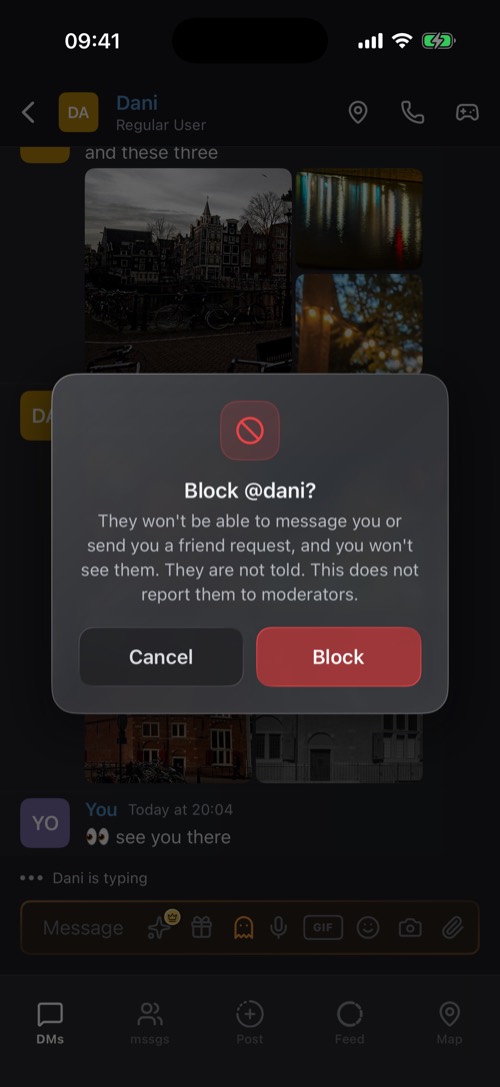
Block someone from their profile (the … button) or from one of their messages. They can no longer message you or send you a friend request, and you no longer see them. They are not told.
Blocking does not report them. mssgs asks afterwards whether you want to report them as well. Everyone you blocked is listed under Settings → Blocked users, where you can unblock them.
Reporting
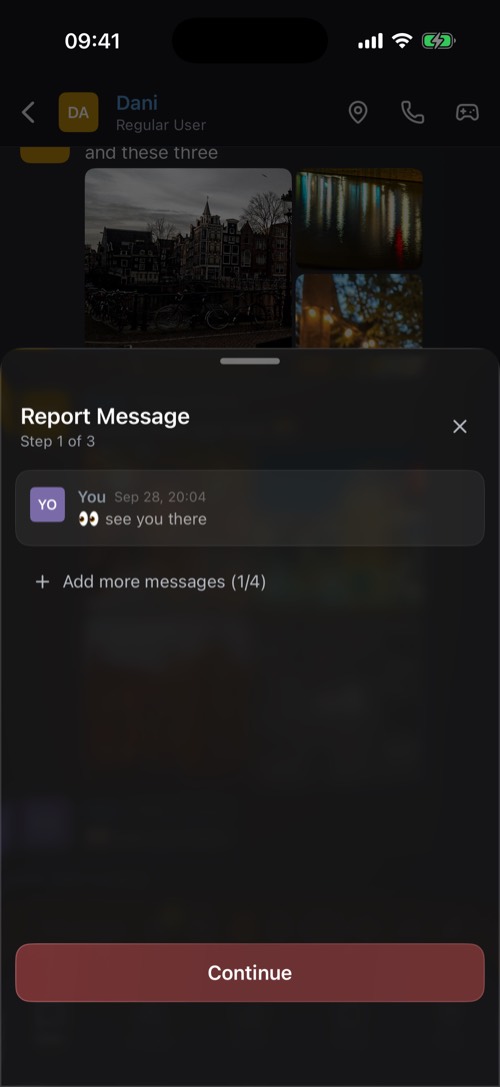
Hold a message and choose Report Message. You can add more messages to the same report, up to four, then pick a reason: Spam, Harassment or Bullying, Hate Speech, Inappropriate Content or Other. You can also report a person from their profile, a post from its … menu, and a community by holding its icon.
Reports go to the mssgs community moderators, volunteers who vote on each one. mssgs staff step in when a report is urgent. Follow them under Settings → Reports: I reported shows each report's status (In review, Content removed, No action taken). About me shows reports about you. Who reported you is never shown.
Locks
- Chats: a 4-digit code on a chat. See Chat Locks.
- Memories: Face ID, Touch ID or a code.
- Archive: Face ID or a code on your archived chats.
Your location
You choose per friend whether they see you, and within what range. With Premium you can freeze your location on a spot. See The Map & Sharing Your Location.
Your data
mssgs is hosted in the EU and follows the GDPR. Direct messages are encrypted, and mssgs does not sell your data or show ads. Read the details on the security page and in the privacy policy.
Was this article helpful?
Didn’t find what you were looking for? We’re happy to help.
Ask your question