Feed & Stories
Browse the feed, watch stories, see who viewed yours and what you can do with each post.
The Feed
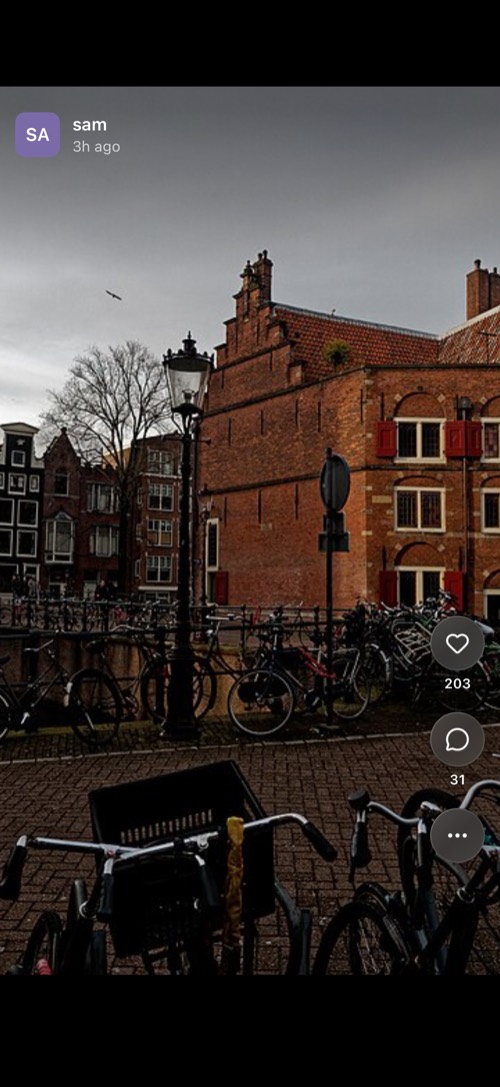
Tap Feed in the bottom bar and swipe up to go from post to post. Tap the heart to like a post and the speech bubble for the comments, where you can reply and even gift credits.
On your own posts, See who viewed this post shows who looked. The … button on any post has Report post and Block. Deleting your own post first offers to save a private copy to your Memories.
Stories
A ring around someone's avatar means they have a story. Tap the avatar in your chat list, in a chat or on their profile to watch it. Replying to a story sends your reply to your DM with them.
Hold a story to pause it and see its options:
- Share, Repost to your story and Add to memory.
- Save to Photos. The person who posted it gets a notice in your DM.
- Subscribe to story notifications: be told when this person posts.
- On your own story: Make public and Delete story.
Swipe up on your own story to see its Viewers.
Was this article helpful?
Didn’t find what you were looking for? We’re happy to help.
Ask your question