WarRock 2 community
A community for WarRock 2? Create one here.
Give your clan a home base before the first match: channels for squads, loadouts and clips, voice with push to talk, and your call drawn right over the game. Name it below and you are set up in two minutes.
- Free
- No ads
- Hosted in the Netherlands
What your squad sees in the mssgs desktop app: the call, the latest chat and clip mode, over the game. Artwork: Studio 801 for WarRock 2.
Built for squads
Everything your clan needs, in one place
A community on mssgs is a server of your own: text and voice channels in categories, roles for your ranks and invites you control.
Voice for every squad
A voice channel per squad. On the desktop, hold a key or a side mouse button to talk, with noise suppression that filters out your keyboard.
Your call over the game
The desktop app shows who is in the call, who is speaking and the latest chat on top of the game, so nobody alt-tabs mid-match.
Clip the play
Clip mode keeps the last stretch of your screen, so one key saves the play you just made.
Ranks as roles
User groups with a name and a colour for recruits, veterans and officers, each with its own permissions.
Scrims and clan wars
Plan an event and everyone answers Going, Maybe or Can’t. Pin the rules where everyone sees them.
Recruit on your terms
Invite links and QR codes with an expiry and a usage limit, or open the doors to everyone. VPN forbidden refuses VPN, proxy and Tor.
Watch the VODs together
A watch party plays a video in sync for the whole channel, and anyone can clip the last seconds.
News in a channel
Webhooks post updates from other services straight into a channel, and slash commands do what your community decides.
No ads, no tracking
Servers in the Netherlands, one-to-one chats end-to-end encrypted, and nothing you write is used to train AI.
Artwork
WarRock 2, up close
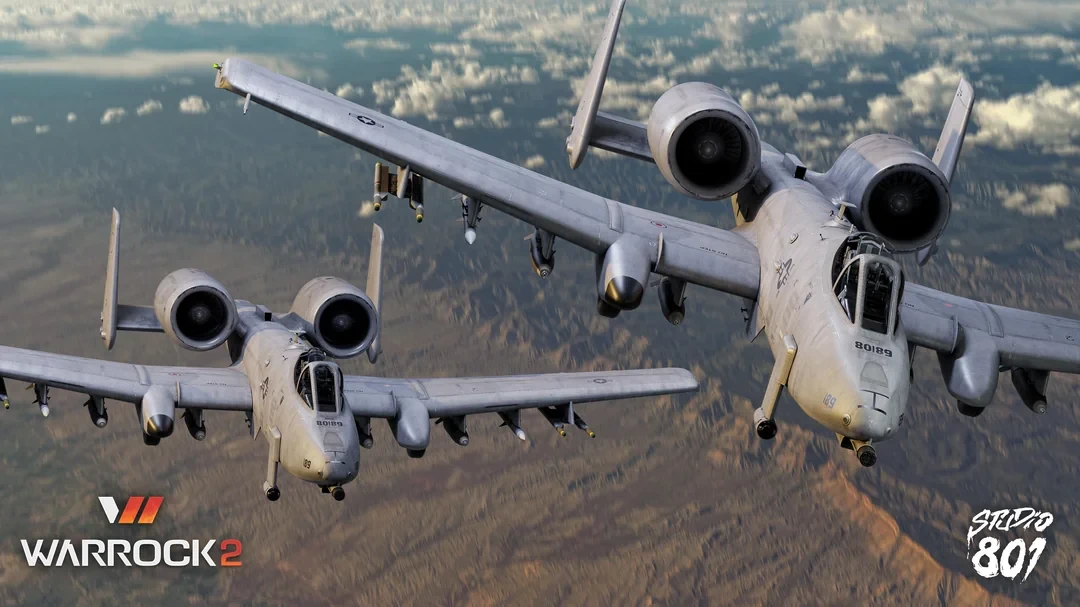
Two renders of the A-10 from WarRock 2, by Studio 801.
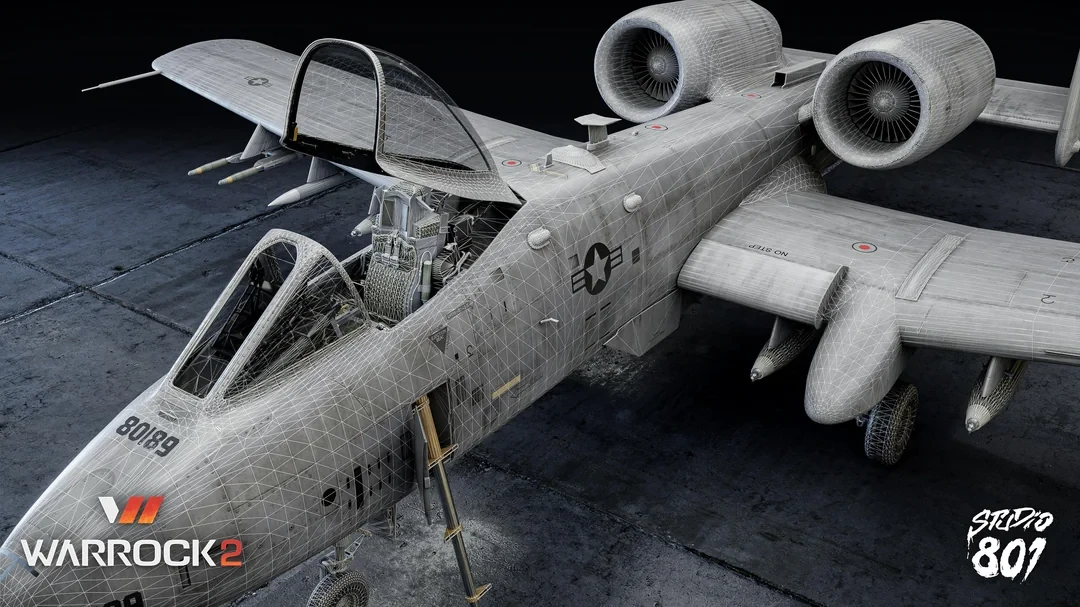
Artwork by Studio 801 for WarRock 2. Tap an image to see it full size.
Your server in three steps
-
1
Name it
Type your clan’s name in the form above. We hold it for 24 hours.
-
2
Open mssgs
On your phone, your computer or in the browser, and finish up there.
-
3
Bring your squad
Share the invite link in the lobby, on Steam or in your old group chat. Friends join from any device.
About WarRock 2
WarRock 2 is the sequel to War Rock, the online shooter a whole generation of players grew up on. It is made by NevithGames, a South Korean studio founded by War Rock’s original creators, and is coming to Early Access on Steam for Windows.
mssgs is not affiliated with, sponsored or endorsed by NevithGames or Studio 801. WarRock is a trademark of its owner. WarRock 2 communities on mssgs are made by players, for players.
Questions from clans
Is mssgs free for a clan?
Yes. A community with text and voice channels, roles and invites costs nothing, and neither does the game overlay. Premium is optional: it raises the upload limit from 25 MB to 50 MB and messages from 2,000 to 5,000 characters, among other things.
Is this the official WarRock 2 community?
No. mssgs has no connection to NevithGames or Studio 801. This page is for players who want a place of their own for their clan or squad.
Can friends join without installing anything?
Yes. mssgs runs in the browser as well as on iOS, Android, macOS, Windows and Linux, so an invite link works for everyone. The game overlay and clip mode are part of the desktop app.
Why not just use Discord?
You can, of course. mssgs has no ads and no tracking, runs on servers in the Netherlands and never uses your messages to train AI. See how the two compare.