Accessibility
Bigger text, larger buttons, labels on icons and extra confirmation, turned on together or one by one.
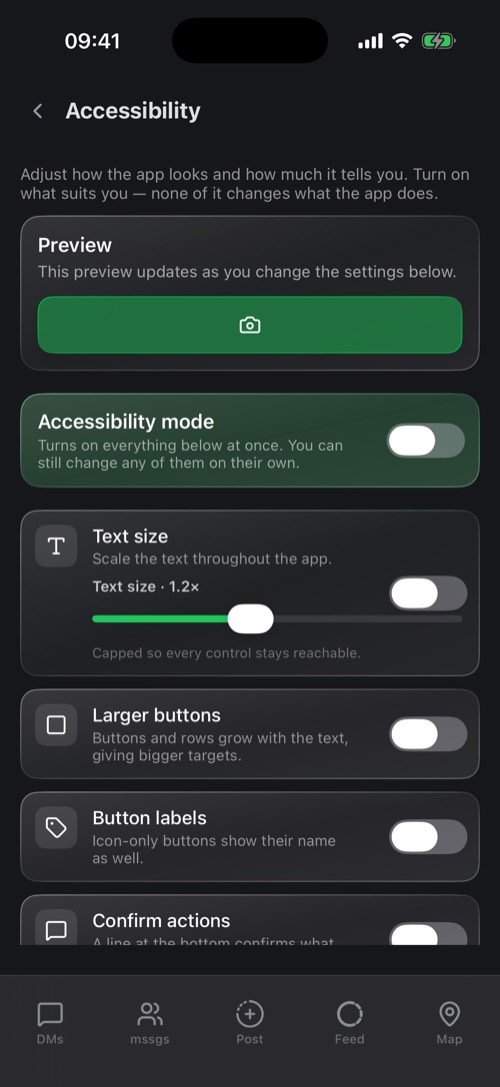
Go to Settings → Accessibility. The preview at the top changes as you go, so you see the result straight away.
- Accessibility mode: turns on everything below in one go. You can still switch parts off.
- Text size: scale the text in the whole app, up to 1.6 times.
- Larger buttons: buttons and rows grow with the text for bigger targets.
- Button labels: buttons that only have an icon also show their name.
- Confirm actions: a line at the bottom confirms what you just did.
- Screen descriptions: a short explanation of what each screen is for.
Was this article helpful?
Didn’t find what you were looking for? We’re happy to help.
Ask your question