Credits & Premium
What credits are, how to get them, what Premium adds and what it costs.
Credits
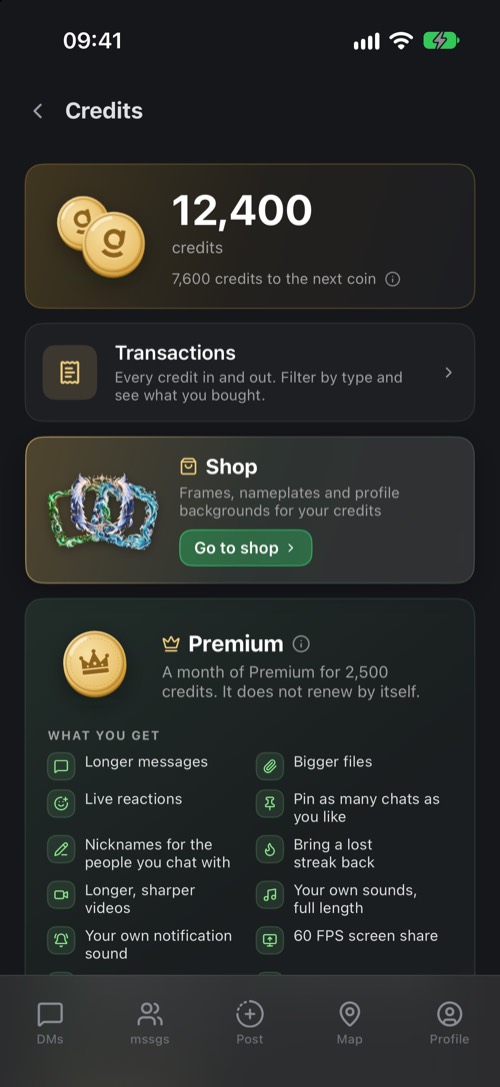
Credits are the mssgs currency. You see your balance under Settings → Credits, with the coin you have reached and how many credits until the next one.
- Top up: buy credits in the app, or on mss.gs/credits. It is a one-off payment and credits never expire.
- Have a code? Redeem a gift or promo code for credits.
- Earn them: every badge under Settings → Badges pays out credits when you unlock it.
You spend credits on Premium, on an extra bot slot for your community, or you gift them to a friend.
Premium
Premium costs 2,500 credits for 30 days. It does not renew by itself: you decide when to add another month. Tap Get Premium for 2,500 credits on the Credits screen, or see all the options on mss.gs/premium.
| Free | Premium | |
|---|---|---|
| Message length | 2,000 characters | 5,000 characters |
| Pinned chats | 3 | Unlimited |
| Videos in chats | 60 seconds | 180 seconds |
| Your own sounds | 30 seconds | Full length |
| Communities you own | 2 | 10 |
| Communities you join | 10 | Unlimited |
| Sending with File Drop | No | Up to 20 GB |
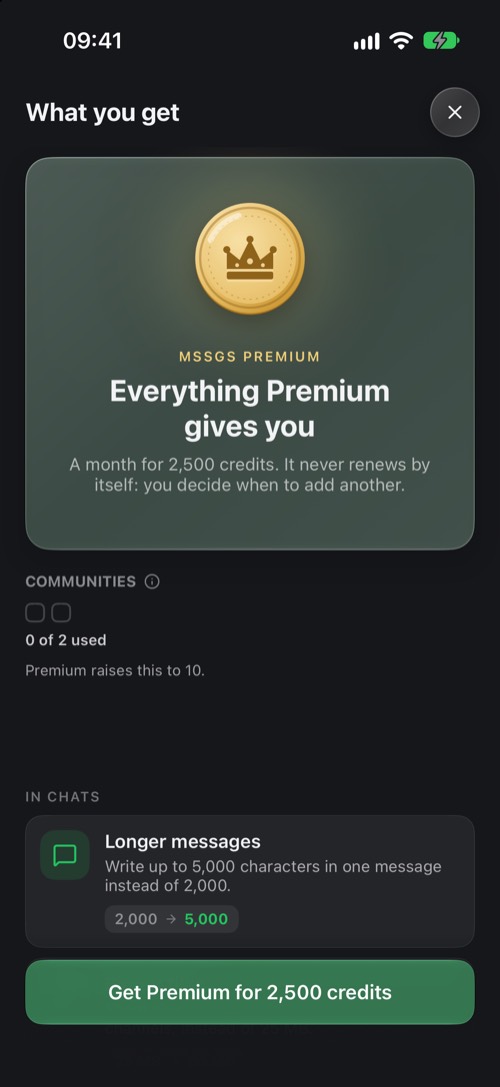
Premium also adds bigger files, live reactions, your own name and photo for a friend's chat, bringing a lost streak back once a month, waking up to your own alarm sound, freezing your location, animal chess pieces and extra boards and the Premium crown on your profile.
Was this article helpful?
Didn’t find what you were looking for? We’re happy to help.
Ask your question